

How will I know how many hours I've billed to my clients?
To view the total hours that you've billed in a given billing period, click on the Clients tab in your FreeUp freelancer account.
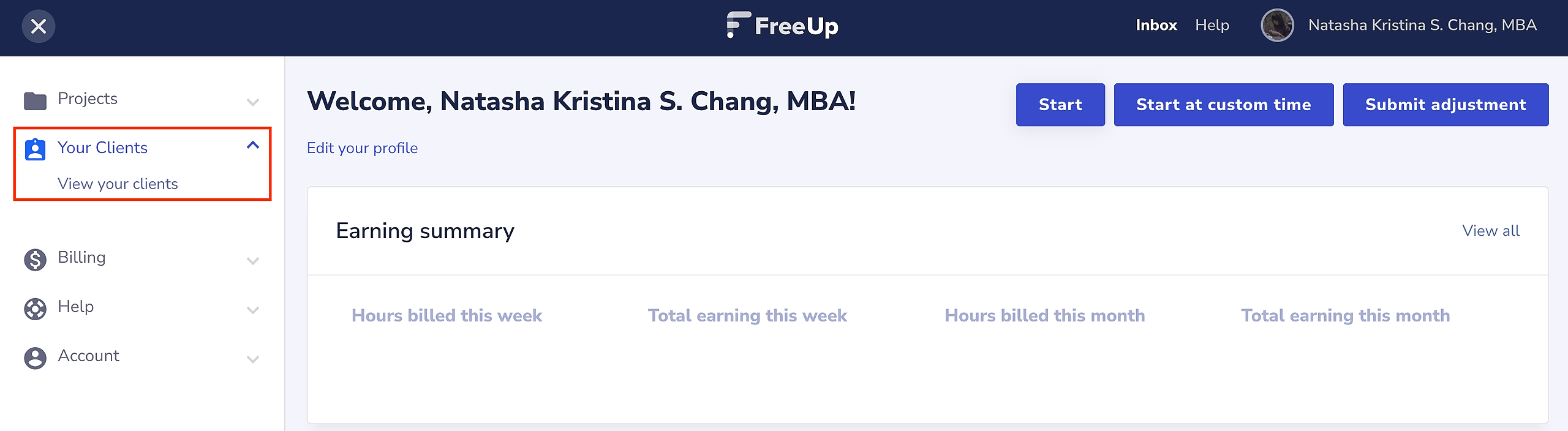
This will present you with a full list of the clients that have hired you through FreeUp.
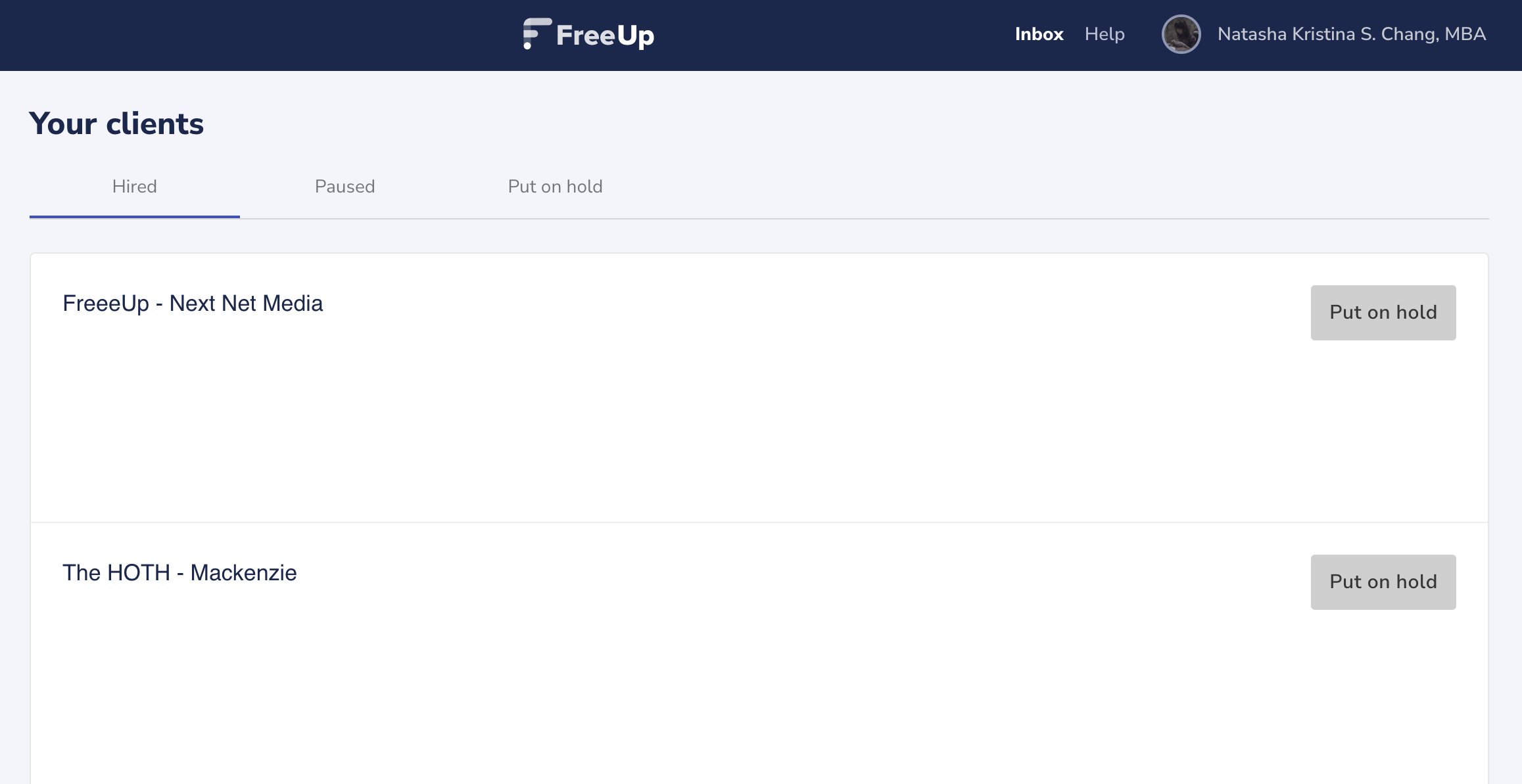
On this page, you will also be able to see the total number of hours that you've billed to the clients corresponding to the dates that you were clocked in.
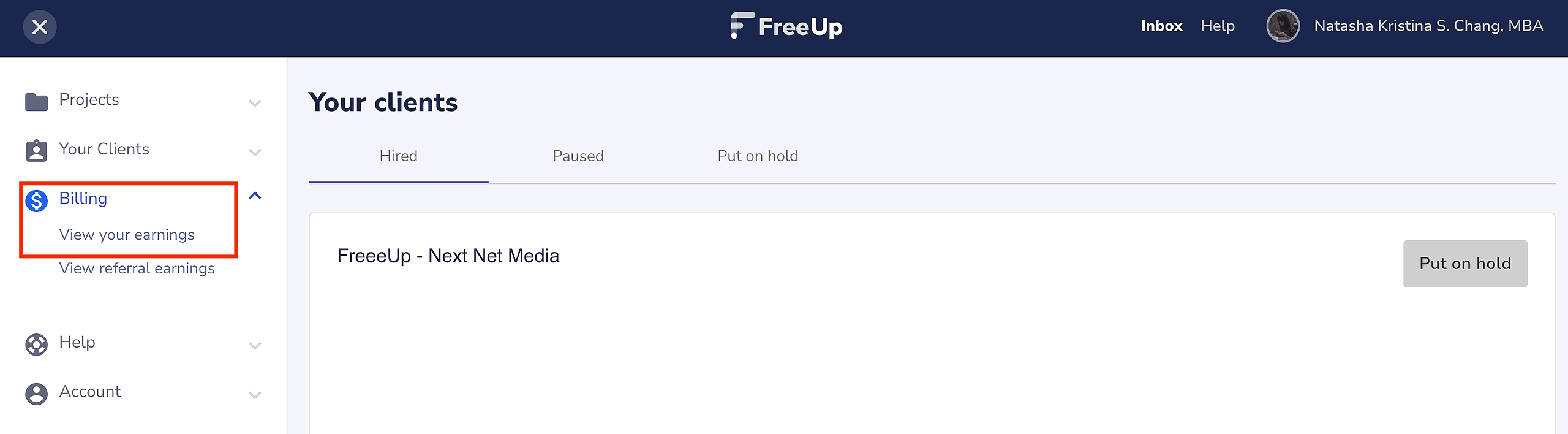
To view the total hours that you've logged each billing period, click on the "Billing" button then "View Your Earnings" and you will be able to filter by the billing period.
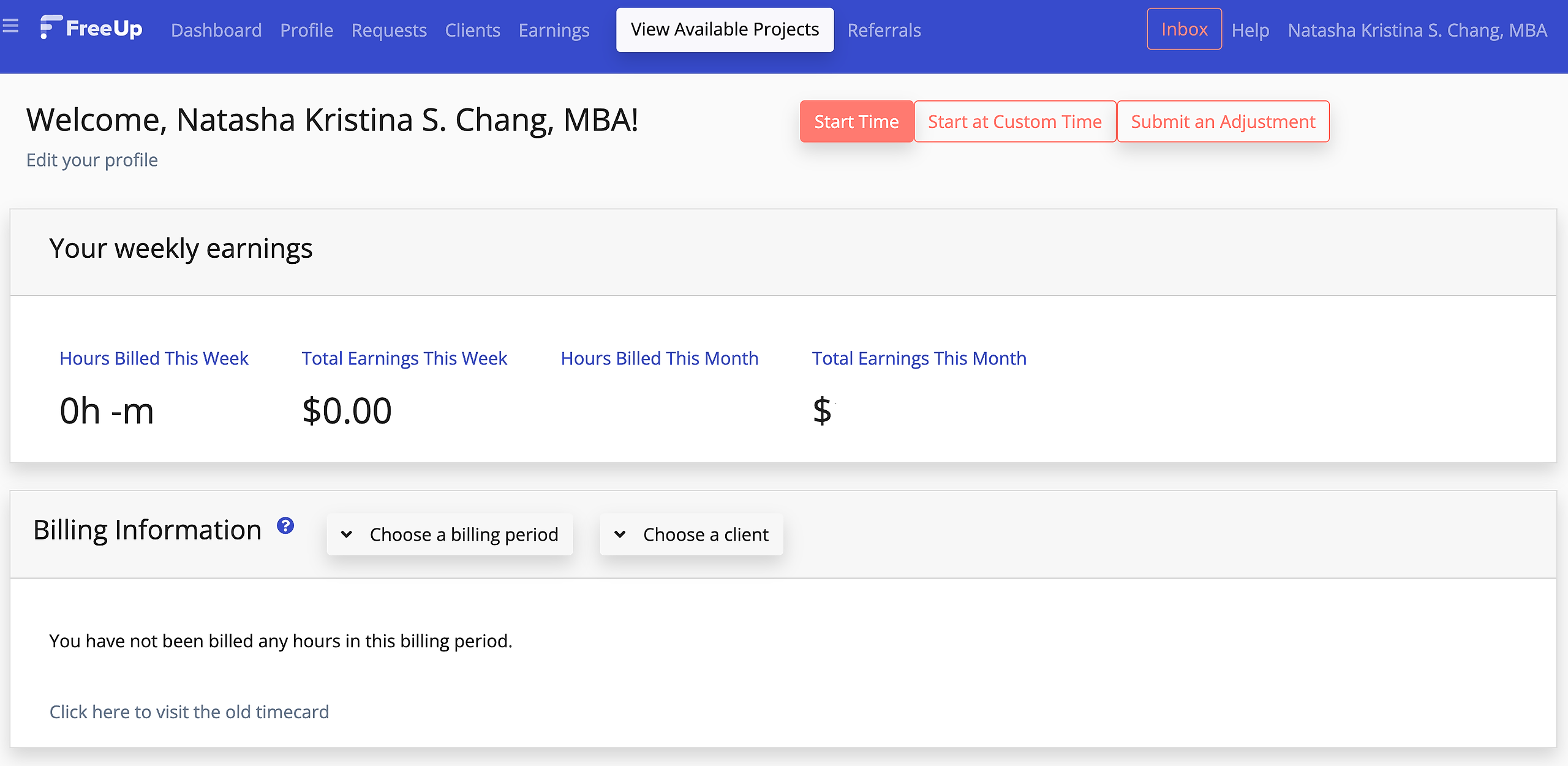
If you notice any mistakes in billing use the adjustment feature to fix it or Email support@freeup.net if you run into issues or have questions.