

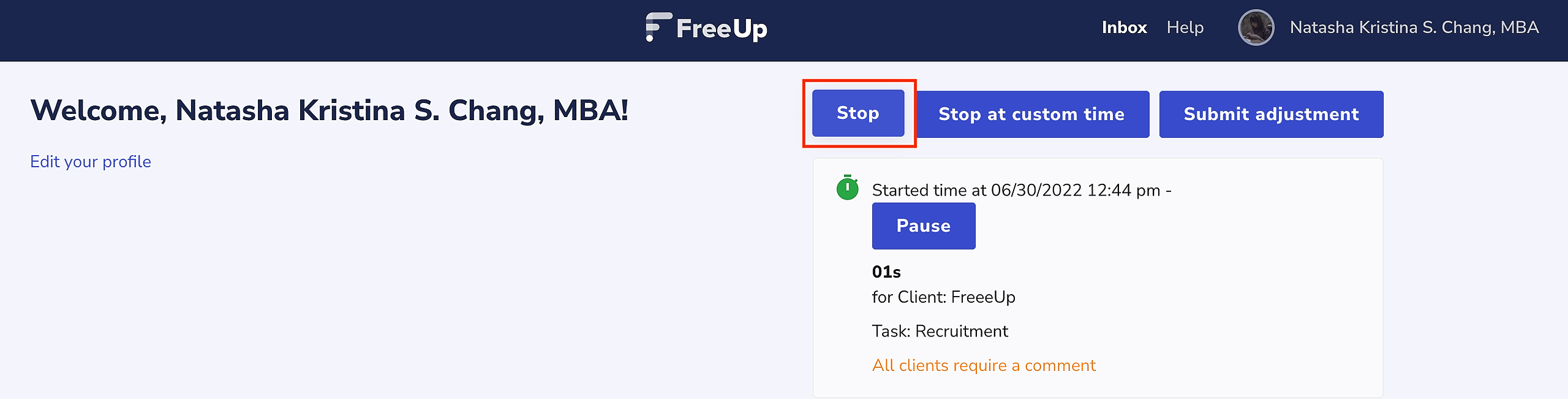
Once you log into your FreeUp account, you will see a button titled “Start Clock” where you can log time to clients that have hired you through the FreeUp Marketplace.

When you are finished with your work on the project, you will click the “Stop Clock” to stop logging time.
You can then leave a comment outlining what you were able to achieve.
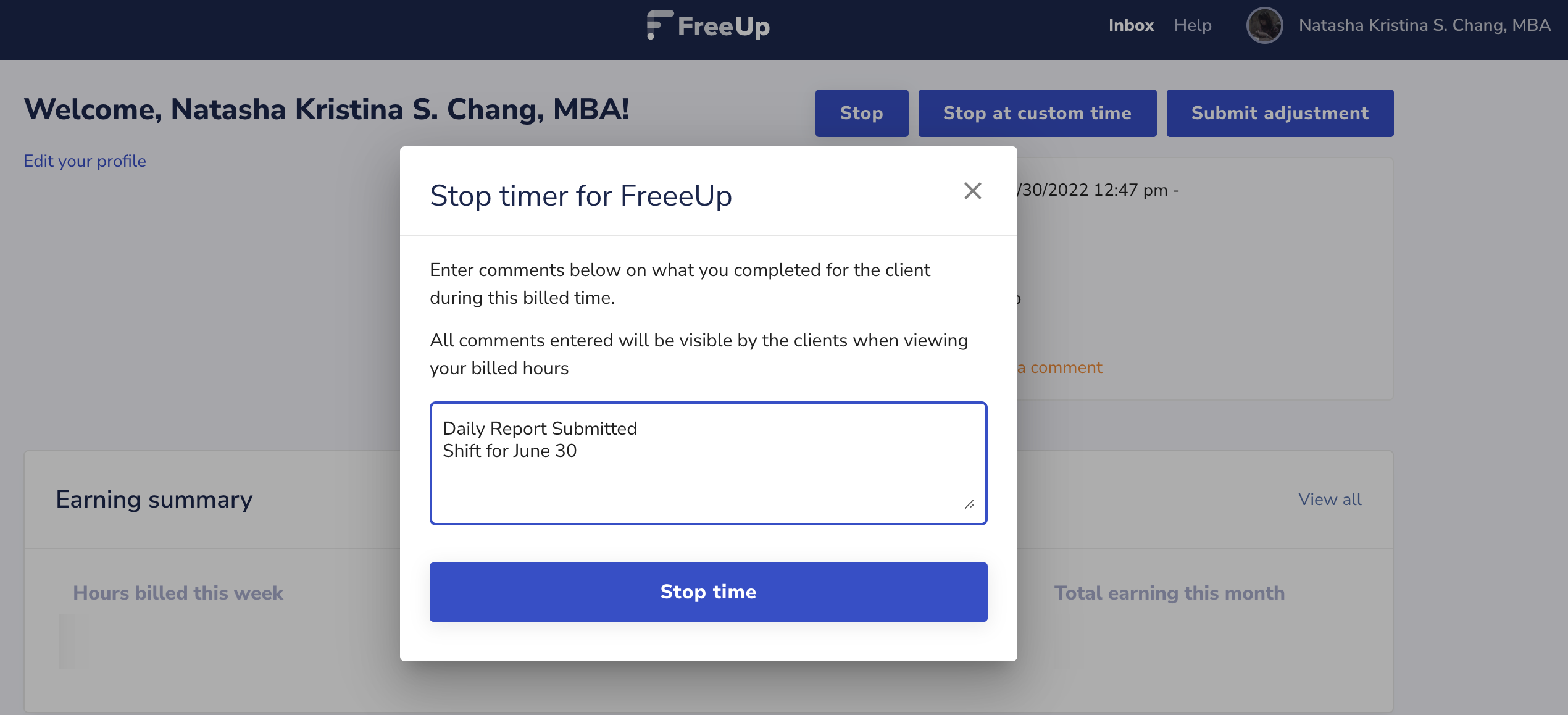
The hours will be stored in your account as well as the client's account for the billing period. Your clients will be billed on every Thursday for the hours you logged in that billing period.
Note that you can also offer fixed prices on the FreeUp marketplace.
Want to know more about the features of our Timeclock? Make sure to check this article: How to Use the FreeUp Timeclock
Let us know if you have any questions at all!